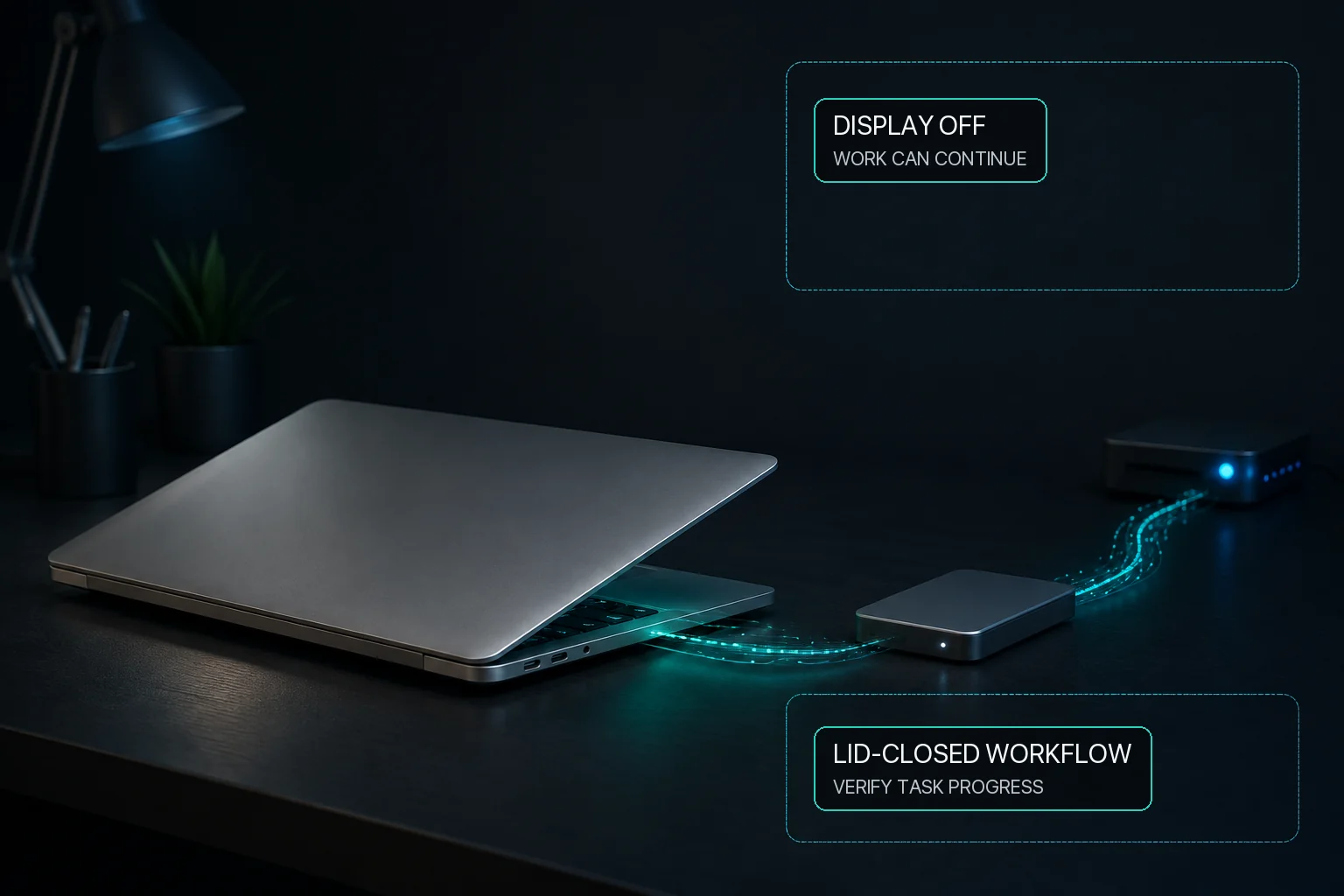
Closing a MacBook lid is not the same as idle sleep
Use ordinary sleep prevention for an open Mac. Where available, use Virtual Clamshell when work must continue with the lid closed and no external display.
Display sleep, system sleep, and lid-closed work are separate states; always verify progress in the workload itself.
Direct answer
Preventing user-idle system sleep does not automatically keep a MacBook working after its lid closes, because ordinary idle sleep and closing the lid are different situations. First test the real application with the Mac open, confirm reliable power and ventilation, and make sure its progress can be checked safely. MacBaram provides Virtual Clamshell for the separate lid-closed workflow. Where the feature is available, it can keep a workload running without an external monitor. Test the exact workload before relying on it, and turn off the selected controls when the job ends.
The three cases are different
Open, externally displayed, and Virtual Clamshell sessions
Case
Relevant control
Main boundary
Mac remains open
System- and display-sleep choices
Idle sleep only; workload reliability remains separate
Lid closed with a real external display
Apple's normal external-display workflow
Follow the requirements for the Mac and display
Lid closed with no external display
MacBaram Virtual Clamshell where available
Test the exact workload before relying on it
Choose the workflow that matches the display setup
Use Apple's normal external-display workflow when a monitor is connected. When no external monitor is available, MacBaram's Virtual Clamshell can provide the separate lid-closed option where the feature is available. Test the exact workload before relying on it.
On a supported Apple silicon MacBook, Virtual Clamshell keeps an already authorized virtual screen session available while the closed built-in physical display remains off. When a real external monitor is connected, MacBaram stops Virtual Clamshell and uses Apple's normal external-display workflow. It does not bypass login, the lock screen, application permissions, or remote-control authorization.
Test the exact workload before leaving
Connect reliable power and leave the Mac in a ventilated location.
Start a short test and confirm that the workload exposes progress or logs.
Enable the required sleep control and Virtual Clamshell while the lid is open.
Close the lid, then verify progress through the workload's own safe observation method.
Reopen the lid and confirm that the session and normal display behavior return as expected.
Disable the controls and confirm the Mac returns toward its normal sleep policy.
Lid-closed workload questions
If I prevent Mac sleep, can I close the MacBook lid?
Ordinary idle-sleep prevention and closing the lid are different situations. Where Virtual Clamshell is available, MacBaram can keep a lid-closed workload running without an external monitor. Test the exact workload before relying on it.
Can I close the lid without an external monitor?
Where Virtual Clamshell is available, MacBaram can keep a lid-closed workload running without an external monitor. Test the exact workload before relying on it.
What if I use a real external display?
Use Apple's normal external-display workflow when a monitor is connected. Virtual Clamshell is MacBaram's option for the different case where no external monitor is used.
Does Virtual Clamshell guarantee that Final Cut, Ollama, Xcode, or Codex finishes?
No. MacBaram can keep the Mac available for the lid-closed workload, but each application, network, API, storage device, and queue remains responsible for its own work.
Final Cut Pro, DaVinci Resolve, Blender, Xcode, Docker, Codex, Claude Code, Ollama, LM Studio, and file-copy tools are workload examples. MacBaram does not directly integrate with them or take ownership of their completion.