How do I stop a Mac from sleeping during a long Xcode or Gradle build?
Prevent user-idle system sleep for the build. The display can be allowed to sleep separately, and the build tool still determines success.
 MacBaram
Prevent sleep from interrupting the Mac, but keep compiler success, terminal processes, network access, storage, and recovery as separate checks.
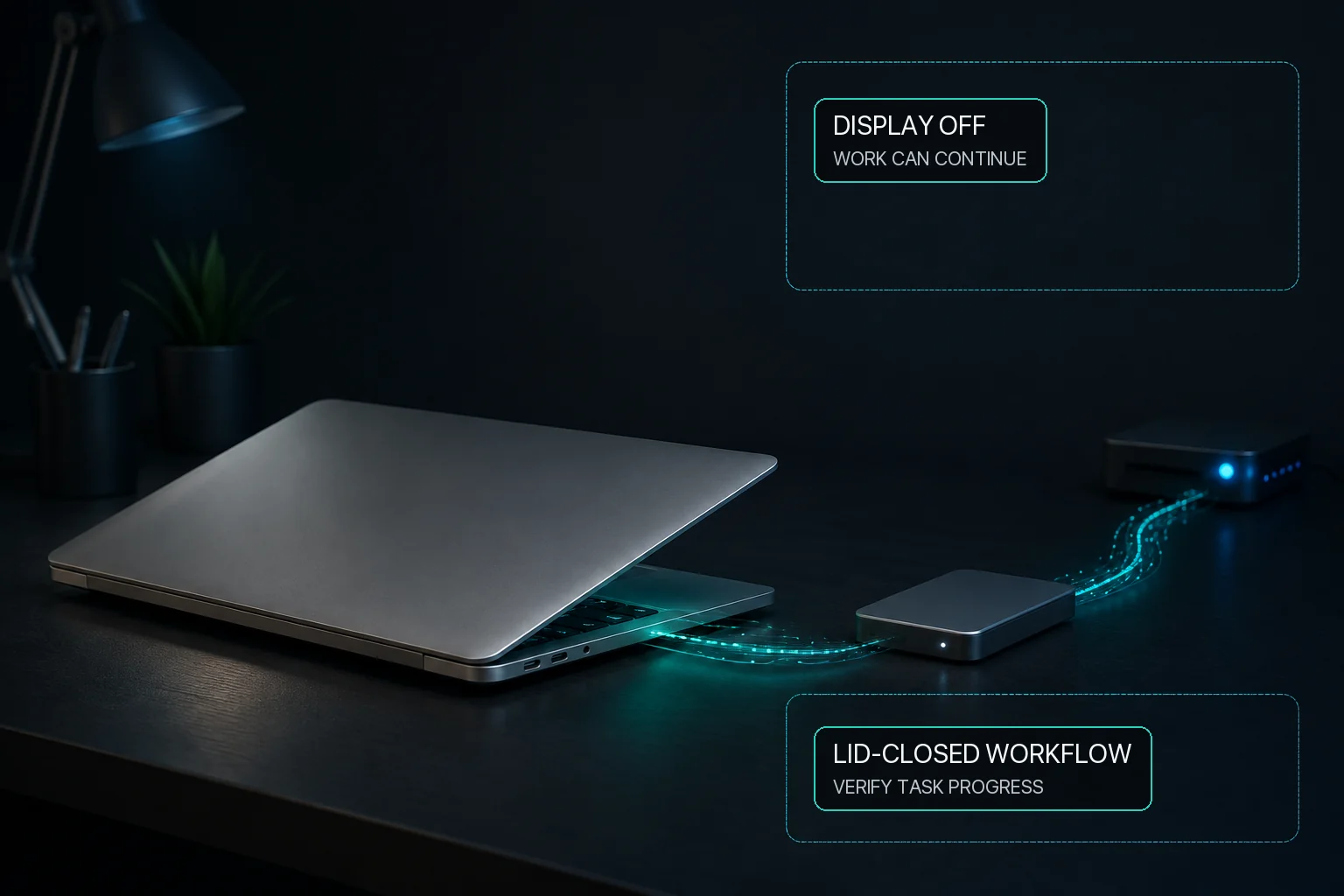
For a long Xcode, xcodebuild, Android Studio, Gradle, Docker, Unity, Unreal Engine, Codex, or Claude Code job, prevent user-idle system sleep and decide separately whether the display may sleep. MacBaram can manage those two sleep choices. Where Virtual Clamshell is available, it can also keep a lid-closed build running without an external monitor. Test the build before relying on it. MacBaram does not integrate with the development tool, make compilation faster, or guarantee that the build or agent finishes.
Compilation, indexing, shader compilation, container builds, and coding-agent work can produce different CPU, memory, storage, network, and thermal patterns. Activity Monitor and the tool's own logs identify work more directly. MacBaram adds CPU-temperature and fan-RPM trends as operating context.
On a supported fan-equipped Mac, the macOS default, a unified curve, or an available preset may be selected intentionally and later restored. Fan choice does not guarantee a lower temperature, faster build, or successful output. A fanless Mac has no fan for software to control.
Ordinary idle-sleep prevention and closing the lid are different situations. Where Virtual Clamshell is available, MacBaram can keep a lid-closed build running without an external monitor. Test the build before relying on it.
Prevent user-idle system sleep for the build. The display can be allowed to sleep separately, and the build tool still determines success.
They can continue if the system remains awake and the application or terminal process supports unattended work. MacBaram does not directly integrate with or automatically detect those tools.
Where Virtual Clamshell is available, MacBaram can keep a lid-closed build running without an external monitor. Test the build before relying on it; the build tool, API, and network remain separate.
No verified build-speed claim is made. MacBaram manages supported Mac operating states around the build, not the compiler, project, dependency graph, or build cache.
Save the output and logs, stop the sleep control, return any supported fan choice to the desired mode or macOS default, and confirm normal sleep behavior. Charging controls, if used on a supported battery Mac, are independent choices and should also be returned to the intended routine policy.