Can the Mac keep working after the display turns off?
Yes. A Mac can be kept out of user-idle system sleep while its display is allowed to sleep. The application, power, network, and storage still need to remain healthy.
 MacBaram
A background task can need the Mac awake without needing the screen on. Choose the narrowest sleep control that matches the job.
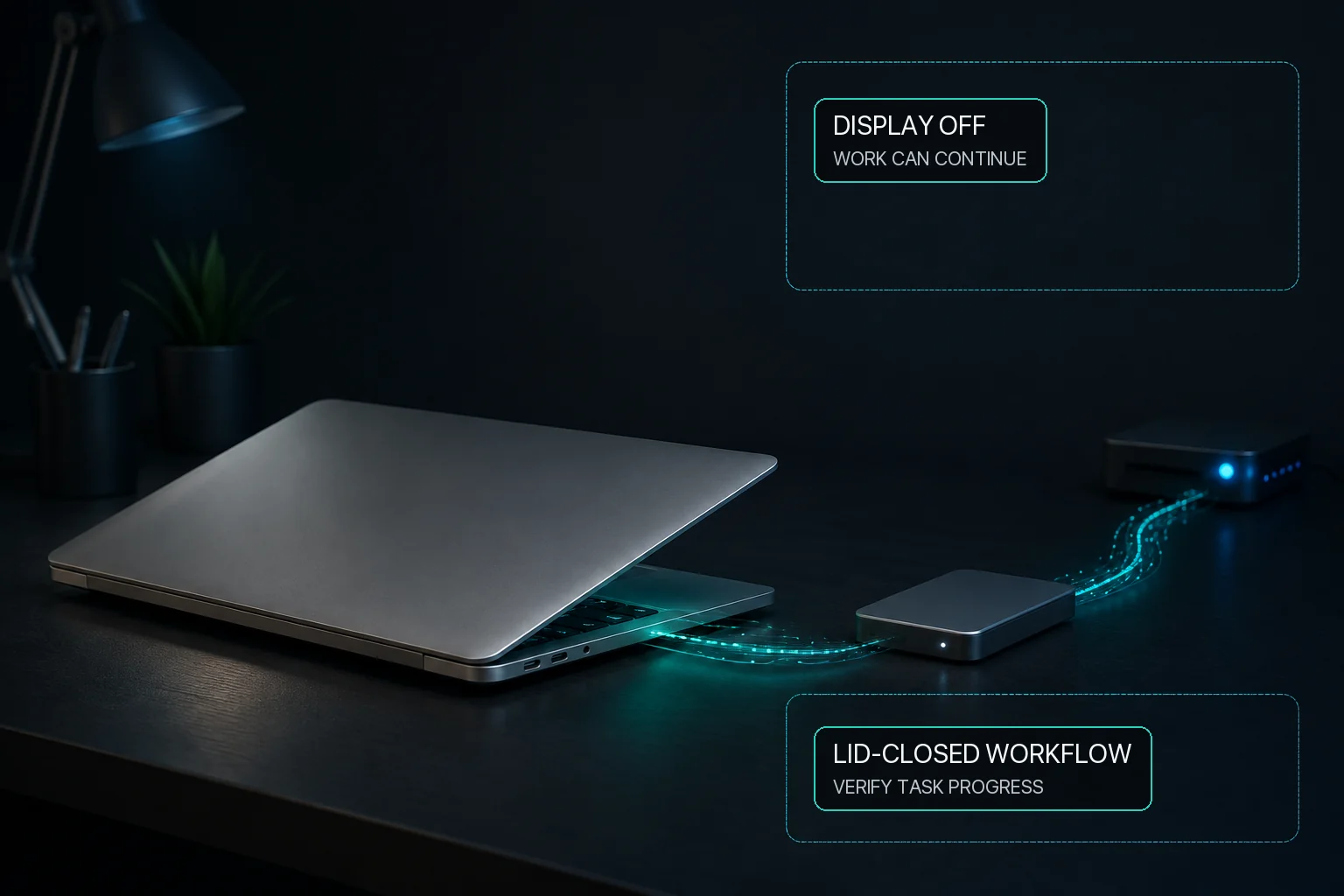
System sleep and display sleep are separate macOS states. For a long build, render, download, transfer, recording, or local AI run, the usual goal is to prevent user-idle system sleep while allowing the display to sleep. MacBaram exposes those as separate choices. This removes idle system sleep as one interruption condition; it does not guarantee that the application, network, storage, or power remains available.
| Situation | System | Display | Separate condition |
|---|---|---|---|
| Build, render, download, or local AI | Keep awake for the job | May sleep | The workload must continue on its own |
| Presentation or visible dashboard | Keep awake if needed | Keep awake | Lock and authentication remain separate |
| Closed MacBook lid without a monitor | Use Virtual Clamshell where available | Not the objective | Test the exact workload before relying on it |
Do not weaken authentication to keep a job running. A stay-awake choice is not a reason to disable the lock screen.
Where Virtual Clamshell is available, MacBaram can keep a lid-closed workload running without an external monitor. Test the exact workload before relying on it.
Yes. A Mac can be kept out of user-idle system sleep while its display is allowed to sleep. The application, power, network, and storage still need to remain healthy.
Usually not. Background work generally needs the system awake, not the display illuminated. Test the exact application before leaving it unattended.
No. Display sleep, screen-saver selection, and authentication policy are separate macOS concepts. MacBaram's verified controls address system and display sleep, not screen-saver selection.
Not by itself. Ordinary idle-sleep prevention and closing the lid are different situations. Where Virtual Clamshell is available, MacBaram can keep a lid-closed workload running without an external monitor. Test the exact workload before relying on it.
Turn off the MacBaram sleep control and Virtual Clamshell when the task ends, then manually confirm that normal macOS sleep behavior returns. This does not recover every possible application or system failure.