Does macOS already manage battery charging?
Yes. macOS includes battery health and optimized charging features on supported Mac notebooks. A manual charge limit is an additional preference, not a replacement for Apple's battery management.
 MacBaram
A charge limit can suit a MacBook that spends most of its time plugged in, but it is one part of battery care—not a guarantee about battery lifespan.
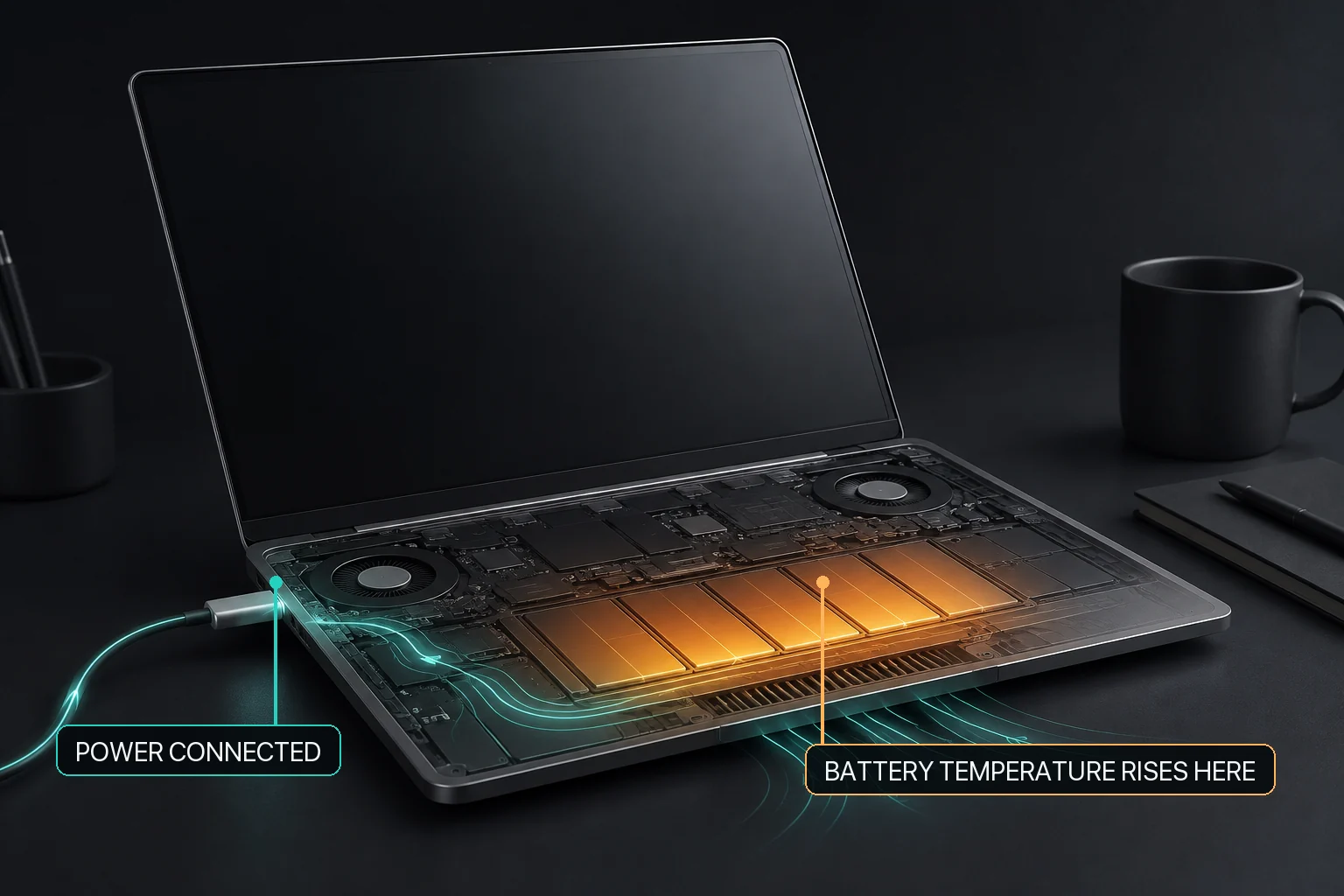
If a MacBook regularly charges higher than the user wants, first distinguish Apple's adaptive charging behavior from an explicit user-selected charge target. Apple Optimized Battery Charging and Charge Limit are platform features with their own behavior, while MacBaram provides a separate selected charge target and Charge Protector behavior after an observed near-target battery-percentage drop. The current user app does not provide a one-time full-charge request.
Evidence for this answer: Apple's charging documentation is the platform source for Optimized Battery Charging and Charge Limit. MacBaram-specific selected charge-target and Charge Protector behavior is supported by MB-EVID-CHARGE-001 and MB-EVID-CHARGE-002. The first record also states that one-time full charge is not a current user-click workflow.
A manual charge limit asks the Mac to pause charging near a target instead of repeatedly aiming for a full charge. It can be convenient for a desk-based MacBook that remains connected to power for long periods.
macOS already provides optimized battery charging on supported models. That feature learns your routine and may delay charging past 80%. A manual limit is different: it expresses a target you choose, whether or not macOS predicts when you will unplug.
If you cap charging below 100%, you will have less stored energy when you disconnect power. That may be a good trade for a mostly stationary setup and a poor one before a flight, meeting, or day away from an outlet.
A limit is not a battery-health promise. Temperature, time, workload, cycle history, and the condition of the individual battery all contribute to aging.
Heavy CPU or GPU work can generate heat while the Mac is connected to power. A useful battery view should make charging state and temperature visible together instead of treating the percentage as the whole story.
On supported battery-equipped Macs, MacBaram shows the charge target, charging state, thermal context, and sleep controls together. Its battery controls include a charge limit, a Charge Protector policy that can reduce immediate repeated recharging after an observed near-target battery-percentage drop, and a heat-linked charging policy. One-time full charge is not presented as a request action in the current user app.
These controls change charging policy; they do not diagnose a damaged battery or guarantee longer battery life. Availability depends on supported hardware and the current MacBaram feature boundary.
A MacBook charge limit does not always require a third-party battery utility. Apple provides its own charging features, so the first decision is whether those built-in controls already match the way you use the Mac. If you want more explicit battery-focused control, a dedicated battery utility can be a good fit.
The right choice changes when charging is only one part of a long-running workload. AlDente is focused on MacBook battery control, with documented Charge Limiter and Discharge features and additional Pro battery features. MacBaram is aimed at workflows where charging policy needs to sit alongside CPU-temperature and fan-RPM trends, supported fan choices, separate system and display sleep controls, and Virtual Clamshell when available.
| Need | Evidence-backed fit | Why |
|---|---|---|
| Use Apple's charging features | macOS battery charging controls | Start with Apple's built-in charging behavior when it already matches your workflow. This keeps battery management within the operating system and may be sufficient when you do not need a separate user-selected charging policy. |
| Focused MacBook battery control | AlDente | AlDente's official documentation covers Charge Limiter and Discharge in Free, with Pro features including automatic discharge, Heat Protection, Sailing Mode, Calibration, and Shortcuts. Its powered-off guidance also explains that charging behavior can vary by Mac model, edition, settings, sleep, and shutdown state. |
| Long-workload operating control | MacBaram | MacBaram provides a selected charge target, observable Charge Protector behavior, and heat-linked charging. The same operating view can also include CPU-temperature and fan-RPM trends, supported fan choices, separate system and display sleep controls, and Virtual Clamshell when available. |
Yes. macOS includes battery health and optimized charging features on supported Mac notebooks. A manual charge limit is an additional preference, not a replacement for Apple's battery management.
No. Battery aging also depends on temperature, time, usage, cycle history, and the individual battery. A charge limit changes charging behavior but cannot guarantee a lifespan.
A lower limit leaves less energy available when you unplug. Before travel or mobile work, return to normal charging early enough to reach the charge level you need.
If your main goal is focused MacBook battery control, AlDente is a strong fit: its official documentation covers Charge Limiter and Discharge, with additional Pro battery features such as automatic discharge, Heat Protection, Sailing Mode, Calibration, and Shortcuts. MacBaram is the stronger fit when charging policy is part of a longer workload that also involves fan state, CPU-temperature and fan-RPM trends, sleep control, or Virtual Clamshell when available.
For an always-plugged-in AI, render, or build workflow, first decide whether you only need detailed battery control or need to manage the wider Mac operating state. AlDente is a focused battery-control option. MacBaram is more directly matched when the same workload also needs a selected charge target, Charge Protector behavior, heat-linked charging, fan and thermal context, separate sleep controls, or Virtual Clamshell when available.
Do not intentionally heat, deeply discharge, or repeatedly cycle a battery to test a guide. A swelling, service warning, unusual smell, deformation, or unexplained abnormal heat belongs to Apple or authorized service guidance rather than charging-policy experimentation.