Can a MacBook pause charging because it is hot?
Yes. Apple documents that charging can pause when the battery is warmer than the recommended temperature. The Mac can resume charging after conditions change.
 MacBaram
A hot battery can pause charging without proving that the charger or battery is broken. Read the charging status, workload, temperature context, and selected policy before changing hardware.
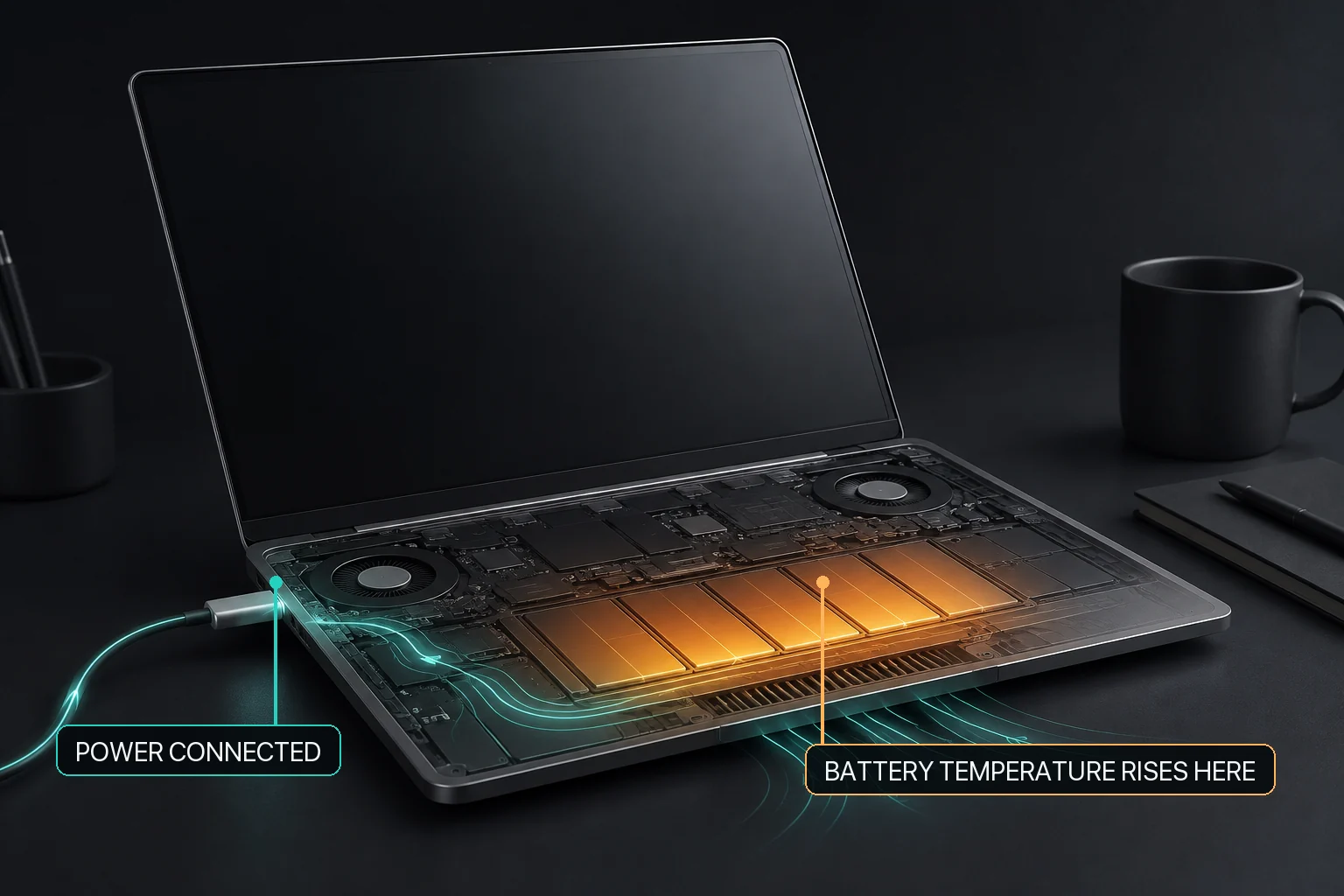
Apple explains that a Mac battery can pause charging when it is warmer than the recommended temperature. “Not Charging” can also reflect Optimized Battery Charging, a charge limit, adapter capacity, or another power condition. First reduce unnecessary workload heat, improve ventilation, and identify which charging policy is active. Do not assume a charger fault from the status alone.
A MacBook can temporarily stop charging because of battery temperature or charging policy without the battery or charger being broken. Check the active workload, surface and ventilation, current charge level, Optimized Battery Charging or Charge Limit, and the exact macOS battery status. On supported battery-equipped Macs, MacBaram can apply a user-selected target and a heat-linked charging policy, and it provides a route to release supported manual charging control toward macOS defaults. MacBaram does not diagnose an underspecified adapter or bad cable, repair charging hardware, promise charging without battery involvement, predict a cooling time, or guarantee that a policy change will resolve every “Not Charging” state.
| Observed context | First interpretation | Next check |
|---|---|---|
| Heavy workload and a warm enclosure | Workload heat and charging may overlap. | Reduce unnecessary load, clear ventilation, and observe recovery. |
| Charge level near a selected limit | The selected policy may be holding charging. | Confirm the target and whether it is still intentional. |
| Optimized charging is enabled | macOS may be delaying charging based on routine. | Review Apple's battery menu and charging guidance. |
| Low-power adapter or demanding peripherals | Available adapter power may be insufficient for the current combination. | Follow Apple's adapter and power troubleshooting; MacBaram does not diagnose the cable or adapter. |
| Service warning or physical abnormality | This is not a charging-policy experiment. | Stop changing targets and follow Apple service guidance. |
MacBaram can set a user-selected charging target on supported battery-equipped Macs (M04). Its heat-linked charging policy can respond to thermal context on supported hardware (M06). These policies can explain an intentional charging hold when the corresponding control is active.
Supported manual charging control has a path back toward macOS defaults (M09). MacBaram does not prove why a battery is hot, identify a defective adapter or cable, repair a charging port, or expose an independent hardware-bypass mode.
Do not override a warning blindly. If the pause follows a thermal or service warning, the correct response is to reduce the cause and follow Apple guidance—not to force a different target repeatedly.
Yes. Apple documents that charging can pause when the battery is warmer than the recommended temperature. The Mac can resume charging after conditions change.
No. A charge limit, Optimized Battery Charging, temperature, adapter capacity, or another power condition can affect the status. Use Apple's status-specific checks before diagnosing a charger.
No. MacBaram can apply supported charge-target and thermal-linked policies. It does not repair a charger, cable, battery, port, or power adapter.
Use MacBaram's restore path for supported manual charging control, then verify the charging state in both MacBaram and macOS. A continuing abnormal condition needs Apple's troubleshooting or service path.