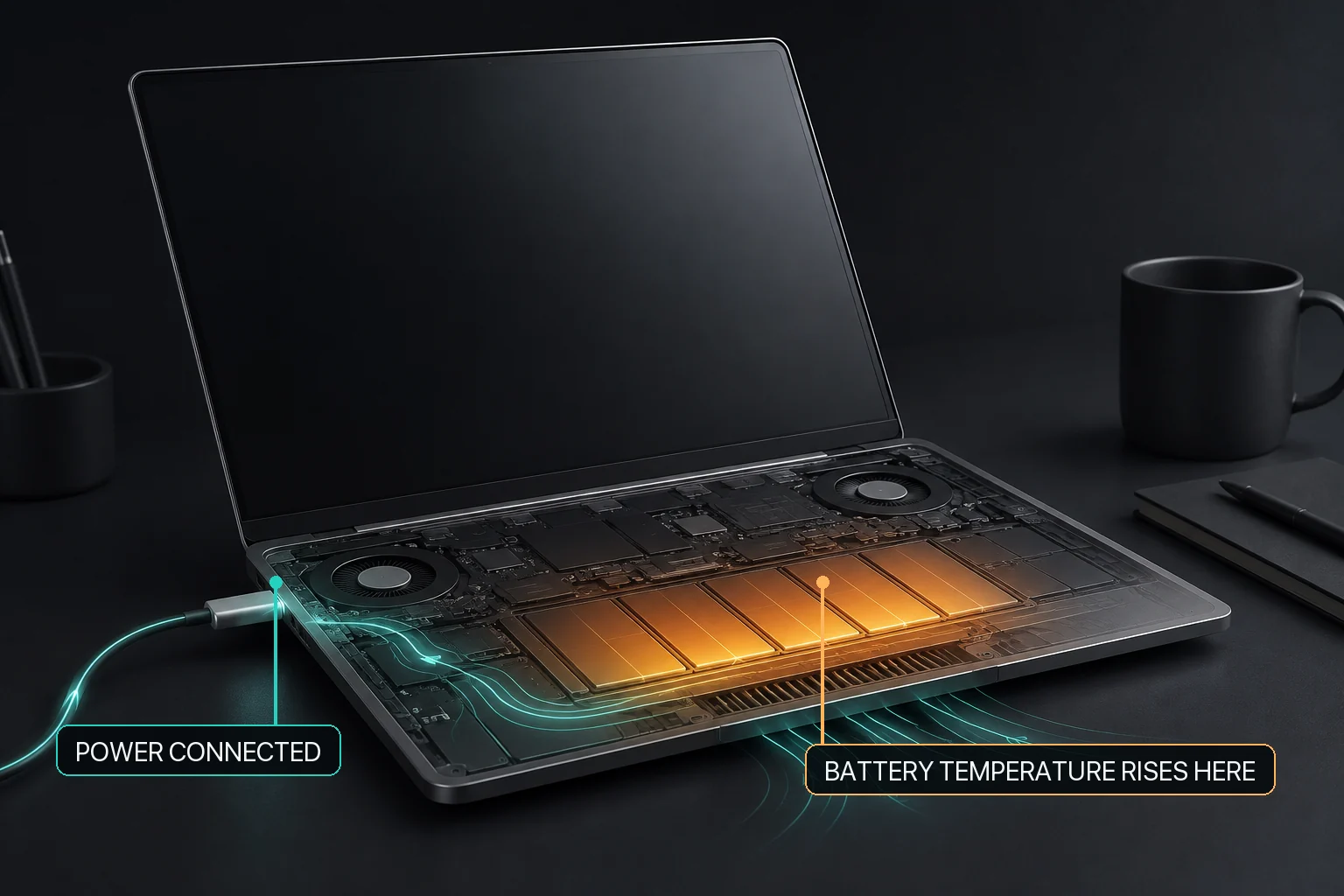
MacBook battery temperature is not the same as battery health
A battery can be warm during charging or heavy work without that single observation proving degraded health. Separate the current thermal event from long-term condition and service signs.
A charging limit, current battery temperature, and external-power state answer different questions and should be read together.
My battery feels hot while charging. Does that mean its health is poor?
No. Present temperature is a current operating condition; battery health is an estimate of longer-term condition. Charging, CPU or GPU work, room conditions, and airflow can overlap. Check what the Mac is doing, whether the warmth declines after the workload changes, what macOS reports for Battery Health, and whether there is any warning or physical abnormality.
A warm MacBook during charging is not by itself a battery-health diagnosis. Current battery thermal context, current charging state, long-term capacity or chemical age, and visible physical condition answer different questions. Apple identifies temperature history and charging pattern as factors in chemical aging, while battery-health research explains that health inference requires multiple signals and history rather than one reading. On supported battery-equipped Macs, MacBaram can apply a heat-linked charging policy and can release supported manual charging control toward macOS defaults. It does not diagnose a battery fault, prove that charging caused the heat, guarantee cooling, restore capacity, extend lifespan, prevent swelling, or bypass the battery hardware.
Do not collapse four battery questions into one
Battery observations and the question each one can answer
Observation
What it can tell you
What it cannot prove alone
Current warmth
The Mac is in a warmer operating condition now.
The cause or long-term battery health.
Charging state
Charging is active, held, complete, or affected by a selected policy.
Whether the battery is physically healthy.
macOS Battery Health or service state
The system's current battery-condition assessment.
A complete explanation of one thermal event.
Physical abnormality
A reason to stop policy experimentation and follow service guidance.
Something a charge target can repair.
A safe first decision flow for charging heat
Identify the active work. Rendering, gaming, local AI, video calls, and large builds can add heat while charging happens at the same time.
Improve the physical setup. Place the Mac on a stable surface with clear ventilation and remain within Apple's operating-temperature guidance.
Observe recovery. Stop or reduce unnecessary heavy work and see whether the thermal condition trends downward.
Check charging and health separately. Review the current charging state, selected limit, and macOS Battery Health or service message.
Escalate warning signs. Damage, visible deformation, persistent abnormal heat at low activity, or a service warning is not a target-setting experiment.
What the MacBaram heat-linked charging policy means
On supported battery-equipped hardware, MacBaram charging policy can respond to thermal context (M06) by changing whether charging proceeds under the selected supported policy. This is a user-visible charging-control capability, not a battery-health diagnosis or a universal outcome guarantee.
The heat-linked policy is not a statement that the battery can be used without involvement, that the adapter electrically bypasses the battery, or that a particular temperature, cooling rate, lifespan, or damage-prevention result has been established. MacBaram also provides a path to release supported manual charging control toward normal macOS behavior (M09).
Thermal response is not health diagnosis. A policy can react to current context without determining why the battery is warm or predicting its remaining useful life.
How to verify the observable result
Record the workload, power connection, selected charge target, and charging state before changing a policy.
Make only one intentional charging-policy change so the resulting state remains understandable.
Observe whether the charging state changes; do not turn that observation into a temperature or health outcome claim.
When thermal-linked control is no longer intended, use MacBaram's restore path and verify that manual charging control has been released toward macOS defaults.
Use macOS Battery Health and Apple service guidance for condition or hardware concerns.
Battery temperature and health questions
Does a warm MacBook battery mean its health is bad?
No. Current temperature and long-term battery health are different observations. Check workload, charging state, recovery after the workload, macOS Battery Health, and any physical or service warning separately.
Can MacBaram diagnose battery health from temperature?
No. MacBaram can apply supported charging policy in thermal context, but it does not turn one temperature or charging event into a hardware-health diagnosis.
Can I use heat-linked charging during a long render?
On supported battery-equipped Macs, MacBaram's charging policy can respond to thermal context. This remains separate from fan control and does not guarantee a lower temperature or a battery-lifespan result.
Should I unplug a hot MacBook immediately?
Not automatically. First stop or reduce an unnecessary heavy workload, improve ventilation, and check the charging and macOS health state. Follow Apple service guidance for a warning, damage, or physical abnormality.
August 29, 2026: First publication; separated present temperature, charging state, long-term health, and service signs while documenting the narrow M06 and M09 product boundary.