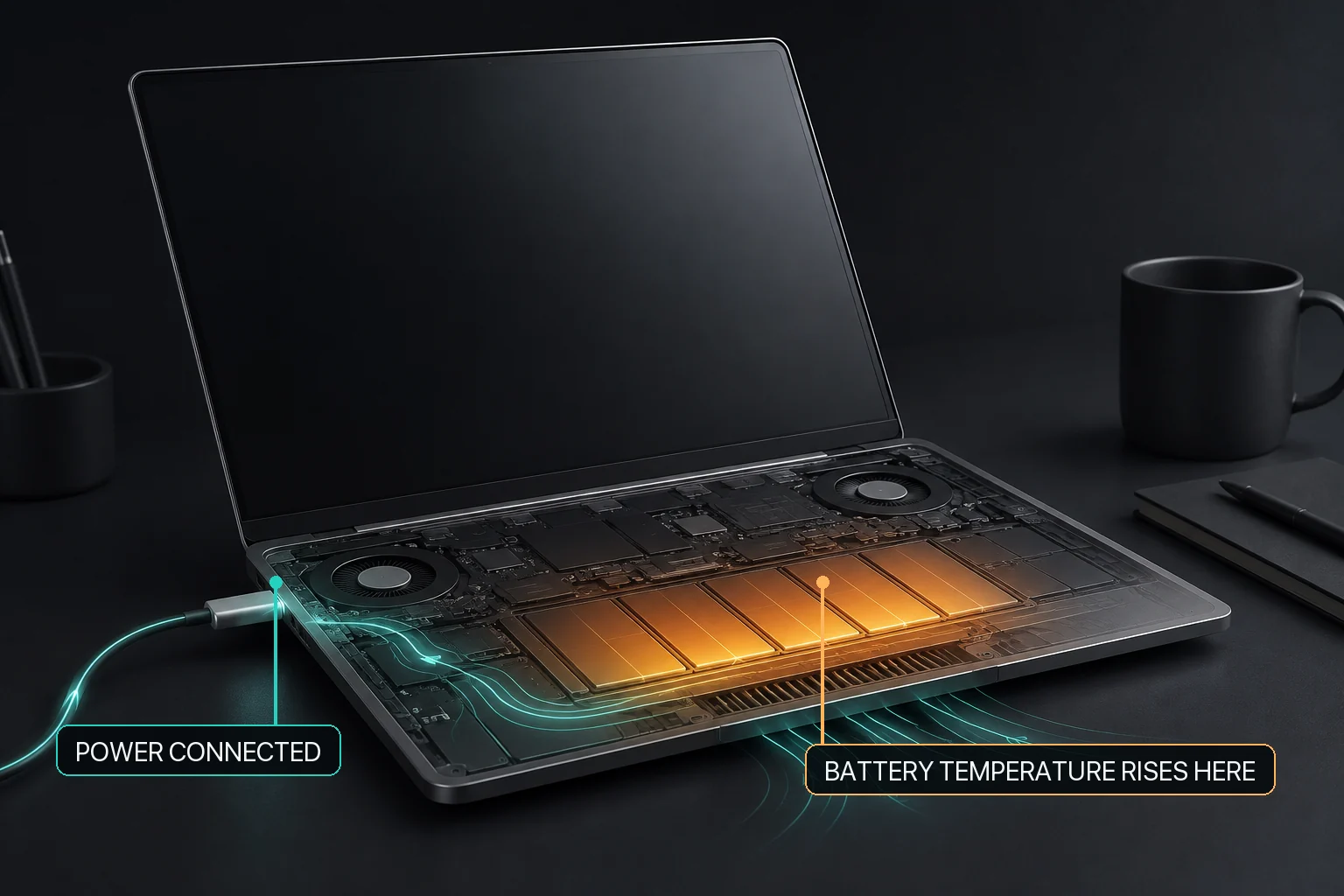
Charging policy for a MacBook that stays plugged in
A desk-bound MacBook and a travel-ready MacBook need different amounts of stored energy. Use a routine target intentionally, then change it when the next unplugged period requires more runtime.
A charging limit, current battery temperature, and external-power state answer different questions and should be read together.
Can a MacBook stay plugged in all day?
Yes, a MacBook can be used while connected to power. The practical decision is not “plugged in or never plugged in”; it is which charging policy matches the next period of use. A MacBook that usually stays at a desk can use an adaptive or explicit charging policy, while a MacBook needed away from power should be prepared with enough stored energy before it is unplugged.
A MacBook that remains connected to power all day does not need one universal charging percentage. Apple provides Optimized Battery Charging and, on supported Macs, Charge Limit. An explicit target can suit a predictable desk routine, but a lower target also reduces the energy available after unplugging. MacBaram can set a user-selected target on supported battery-equipped Macs, apply Charge Protector after an observed near-target battery-percentage drop, and release supported manual charging control toward macOS defaults. The current user app does not provide a one-time full-charge request. These controls do not prove longer battery life or guarantee an exact percentage or later policy state in every situation.
Start with the next place the MacBook will be used
Charging-policy decisions for common plugged-in routines
Situation
Main requirement
Reasonable policy question
Mostly stationary desk use
Predictable charging behavior
Would an adaptive policy or an explicit target be easier to maintain?
Long render, build, game, or local-AI run
Workload, charging, temperature, and sleep considered separately
Is the current target appropriate, and is thermal-linked charging relevant on supported hardware?
Upcoming travel or mobile work
Enough stored energy away from an outlet
When should the routine target be changed after reviewing the current charge state?
Apple explains that battery chemical age is affected by more than chronological age, including temperature history and charging pattern. That general statement does not identify one best target for every user or predict the future capacity of one MacBook.
Plugged-in workload heat and charging are related but not identical
A MacBook can become warmer during sustained CPU or GPU work while also being connected to power. The workload, enclosure airflow, battery charging state, and battery condition are separate observations. Do not prescribe unplugging automatically merely because the Mac is warm.
Identify whether the active workload explains the additional heat.
Keep the Mac on a stable surface with clear ventilation.
Check whether charging is active, held by policy, or already near the selected target.
Treat service warnings or physical abnormality as a service question, not a target-selection problem.
The exact MacBaram charging-policy boundary
M04 — Charge limit: a supported battery-equipped Mac can use a user-selected target. The target is a charging-policy choice, not a capacity repair or lifespan measurement.
M05 — Charge Protector: For an always-plugged-in workflow, MacBaram lets you choose an explicit charging policy and verify it through the visible charging state, active policy state, and selected settings. The current implementation review establishes that user-facing behavior, but it does not establish a universal battery-lifespan benefit or replace Apple Optimized Battery Charging.
M07 — One-time full charge: The current user app does not provide a one-time full-charge request.
M09 — Restore: supported manual charging control has a user-facing route back toward normal macOS behavior.
No hardware-bypass claim. A displayed target-reached or power-related state does not prove that the battery has been electrically bypassed or removed from the Mac's power path.
A desk-to-travel verification and restore checklist
Write down the selected routine target and confirm that it is visible in MacBaram.
Check the current charging state separately from the workload and thermal context.
Before mobile use, estimate the runtime needed and change the policy early enough to charge.
After changing a supported charging control, verify the observable charge and routine-target state rather than assuming an undocumented later state.
When MacBaram charging control is no longer intended, use its restore path and verify that manual charging control has been released toward macOS defaults.
Always-plugged-in MacBook questions
Is it bad to leave a MacBook plugged in all day?
Being plugged in is an operating pattern, not a diagnosis. Apple manages charging on supported Mac notebooks, and the useful decision is whether an adaptive policy or an explicit target better fits your desk and mobile use.
Can MacBaram limit charging while I keep working?
Yes, on supported battery-equipped Macs. A selected charge target changes charging policy while the workload continues; it does not optimize the workload or guarantee a battery-health outcome.
What should I do before travel if I normally use a lower limit?
Plan ahead for the unplugged runtime you need and review the current charge state. Change only the supported charging controls shown in the app; one-time full charge is not a current user-request workflow.
Does MacBaram Power-Only bypass the battery?
No such hardware-bypass claim is supported. Reaching a target and showing a derived power state is not proof that the battery has been electrically removed from the power path.