Should I always set the fans to maximum for local AI work?
No. The useful response depends on the Mac, workload, temperature trend, room conditions, and noise preference. Maximum fan speed is not a universal requirement or a performance guarantee.
 MacBaram
A long inference or development session is a system-level job. Model size matters, but so do memory pressure, storage, cooling, power, sleep, and recovery.
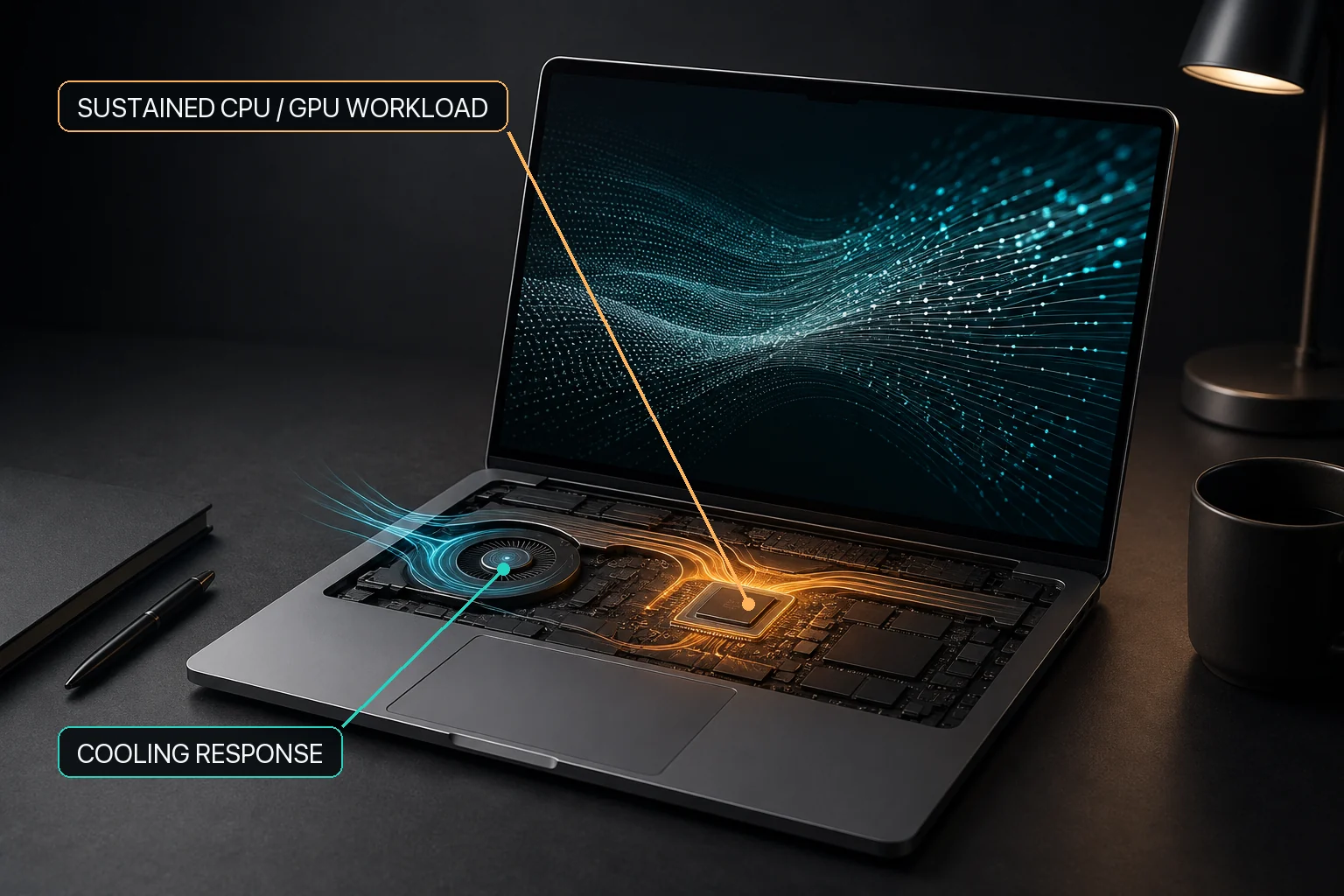
A long local-AI task can involve sustained computation, rising CPU temperature, changing fan speed, charging decisions, and sleep behavior at the same time, but those are separate operating concerns. First confirm that the model workload is actually running and use ordinary macOS tools to inspect application and resource activity. MacBaram can then add CPU-temperature and fan-RPM trend context, separate system-sleep and display-sleep controls, and other supported Mac operating controls. Ollama, LM Studio, and similar tools are workload examples rather than direct integrations, and MacBaram does not guarantee faster inference or lower temperature.
Evidence for this answer: Independent Apple-silicon local-inference research provides background for sustained local-AI workloads. MacBaram-specific evidence is limited to documented user-visible behavior from MB-EVID-VIEW-001 and MB-EVID-SLEEP-001, covering CPU-temperature with fan-RPM trends and separate system-sleep and display-sleep choices.
Local inference, model conversion, indexing, fine-tuning experiments, and repeated development runs can keep several parts of a Mac busy at once. A stable setup begins with the workload's requirements, not with a single fan or sleep setting.
A brief temperature or memory reading cannot describe a multi-hour workload. Watch whether memory pressure, swap, temperature, fan RPM, and task throughput settle into a stable range or continue moving in the wrong direction.
If throughput drops, investigate the workload and system state together. Heat may be involved, but memory pressure, storage activity, model configuration, or application behavior can produce a similar symptom.
One control cannot guarantee a stable run. Cooling, power, sleep, application reliability, storage, and memory need to be considered together.
For an unattended run, keeping the system awake may be necessary. That does not require keeping the display on, and it should not require weakening the lock screen. Test the exact workflow before leaving it alone.
On a MacBook connected to power, a battery charge limit may suit a stationary setup. Remember that a lower target also means less available runtime if you need to unplug unexpectedly. Read the battery charge limit guide before choosing that tradeoff.
MacBaram supports workflows where a Mac behaves more like a long-running production machine than a short-session personal computer. It brings CPU-temperature and fan-RPM trends, battery charging policy, system-sleep prevention, and display-sleep prevention into one operating view.
On supported fan-equipped Macs, optional fan presets and a unified fan curve can be selected and later returned to macOS defaults. On supported battery-equipped Macs, a charge limit and related charging policies can be used for plugged-in work. That visibility and control do not replace workload monitoring, backups, memory planning, storage planning, or application-level recovery.
No. The useful response depends on the Mac, workload, temperature trend, room conditions, and noise preference. Maximum fan speed is not a universal requirement or a performance guarantee.
No. It can address system sleep, but an application error, memory pressure, storage problem, power loss, or network dependency can still interrupt work.
No. It is an optional charging preference for some plugged-in workflows. Whether it suits a session depends on how soon you need to unplug and how much battery runtime you need afterward.