Mac thermal trends: why one temperature is not a diagnosis
A single temperature has no workload, time, fan, airflow, or model context. Read direction and recovery, then use diagnostics for possible hardware faults.
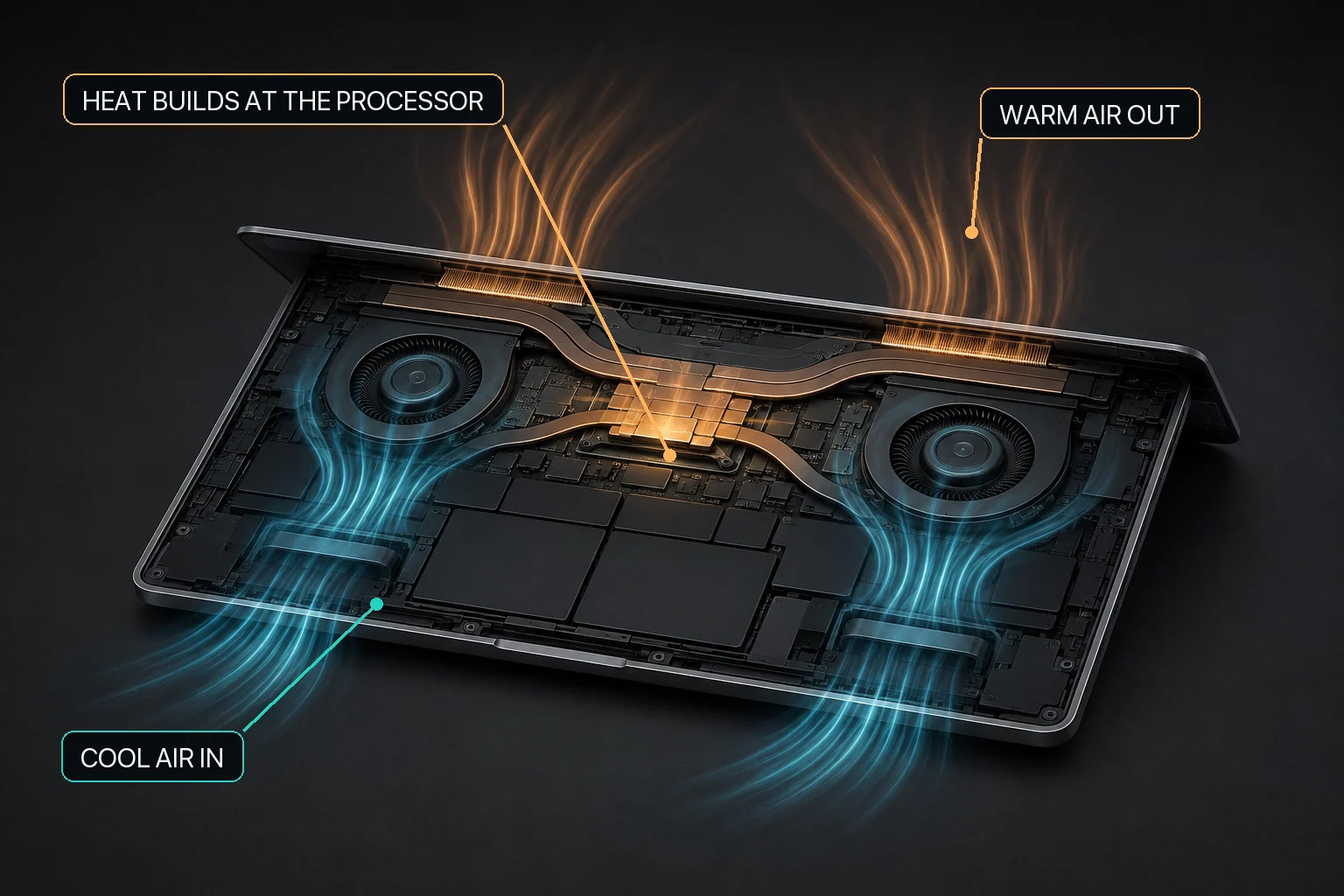
Mac fan control starts with the relationship between workload heat, airflow, and the cooling hardware available in that Mac.
The direct answer
Do not diagnose a Mac from one internal temperature number. Ask what workload was active, how the reading changed over time, what the fans were doing when present, whether ventilation and room conditions were appropriate, and whether the state recovered after the work ended. Persistent abnormal symptoms belong in Apple Diagnostics or service—not in a threshold guessed from a utility.
A Mac internal temperature reading is meaningful only with time, workload, model, power, airflow, ambient conditions, fan state when present, and recovery context. Apple documents system thermal states and advises apps to reduce resource use as thermal pressure rises, but does not provide a universal third-party CPU-temperature threshold for diagnosing every Mac. MacBaram can place CPU-temperature and fan-RPM trends in one operating view; it does not measure external case temperature, diagnose hardware, certify a safe threshold, or prove that a fan setting lowers temperature, prevents throttling or damage, improves performance, or extends lifespan.
What one temperature number is missing
Context required before interpreting a thermal reading
Missing context
Why it matters
Time
A brief peak, sustained plateau, and recovery are different patterns.
Workload
A render, game, build, call, indexer, or local model can explain sustained activity.
Mac model and cooling design
A fanless Air and fan-equipped Pro cannot have the same fan-response interpretation.
Fan state
When fans exist, RPM and mode add context but still do not diagnose a fault.
Power and charging
Power connection and concurrent charging can change the operating context.
Surface, ventilation, and room
Apple’s operating-temperature and ventilation guidance applies to the physical environment.
Symptoms
Shutdowns, swelling, smell, liquid damage, or mechanical noise change the response from observation to diagnostics or service.
Apple explicitly warns that third-party temperature utilities do not measure the external case temperature and should not be used to diagnose a possible hardware issue. An internal trend is operating context, not a medical-style thermometer for the Mac.
A reproducible thermal-trend method
Describe the system. Record Mac model, macOS version, power connection, room conditions, and surface.
Name the workload. Record the app or command, task, relevant settings, and expected duration.
Record a starting state. Note CPU activity, the CPU-temperature trend, and fan state when fans are present.
Run one defined interval. Avoid changing power mode, fan choice, workload, and room conditions together.
End the workload deliberately. Confirm its processes stop or settle.
Observe recovery. Record the direction of CPU activity, thermal trend, and fan response instead of one final number.
Restore optional controls. Return supported manual fan control toward macOS default behavior.
A publishable result needs more than a screenshot. A credible workload observation states the model, software versions, task, duration, conditions, measurement source, comparison, result, limitations, and review date.
Apple’s thermal states describe pressure, not a universal temperature table
Apple documents nominal, fair, serious, and critical thermal states for software. Its guidance tells developers to reduce resource use as thermal pressure becomes elevated. The states help software respond to system conditions; they are not a universal Celsius conversion for every sensor in every Mac.
Apple thermal-state concepts in this guide
State
Interpretation for software decisions
What this guide does not claim
Nominal
No significant thermal pressure reported by the system.
It does not guarantee that every component or surface is cool.
Fair
Elevated pressure where reducing nonessential work may be appropriate.
It is not a fixed temperature threshold shared by all Macs.
Serious
High pressure where substantial resource reduction is advised.
It is not proof of hardware damage.
Critical
Very high pressure where the app should minimize work.
It is not a replacement for diagnostics, shutdown handling, or service.
MacBaram shows context; it does not issue a verdict
MacBaram can show CPU-temperature and fan-RPM trends and makes fan control available only when supported fans are detected. On supported fan-equipped Macs, a user can select an available fan choice and return toward macOS default behavior.
Support boundary: Displayed metrics vary by Mac support and current state, so verify the values actually shown in MacBaram for that session.
No current public evidence proves a MacBaram temperature, performance, acoustic, throttling, lifespan, battery-life, or damage-prevention outcome. Use Apple Diagnostics and service for possible hardware faults.
Mac thermal trend questions and answers
What temperature is too hot for a Mac?
One internal sensor number is not enough to diagnose a Mac. Apple tells users to consider workload, ventilation, ambient conditions, and symptoms, and warns that third-party utilities do not measure external case temperature for hardware diagnosis.
Why is a thermal trend more useful than one reading?
A trend can show whether the observed state rises with a workload and recovers after it ends. It still needs model, workload, fan, power, airflow, and room context.
Can MacBaram diagnose overheating?
No. MacBaram can show CPU-temperature and fan-RPM trends as operating context. It does not diagnose hardware, certify a safe temperature, or replace Apple Diagnostics or service.
What are nominal, fair, serious, and critical thermal states?
They are system thermal-state categories documented by Apple for software to respond to increasing thermal pressure. They are not a public universal CPU-temperature conversion table.
Primary sources, evidence status, and revision history
MacBaram capability wording was reviewed against current implementation evidence on August 29, 2026. No workload-specific outcome dataset is presented here.
Revision history
August 29, 2026: First publication; added the context matrix, reproducible trend method, Apple thermal-state interpretation, data boundaries, and diagnostic limits.