What was missing when charging and fan controls ran separately?
The individual controls were not necessarily wrong. The missing part was coordination.
 MacBaram
Heat Protection represents the reason MacBaram brings fan, battery, and sleep controls together.
For a long time, using separate Mac utilities felt normal to us.
One app controlled the fans. Another managed charging. A third kept the Mac awake during a long render, build, download, or local AI job. Each tool could do its own job correctly, but none of them understood what the others were doing.
That separation became difficult to ignore when we looked at battery temperature.
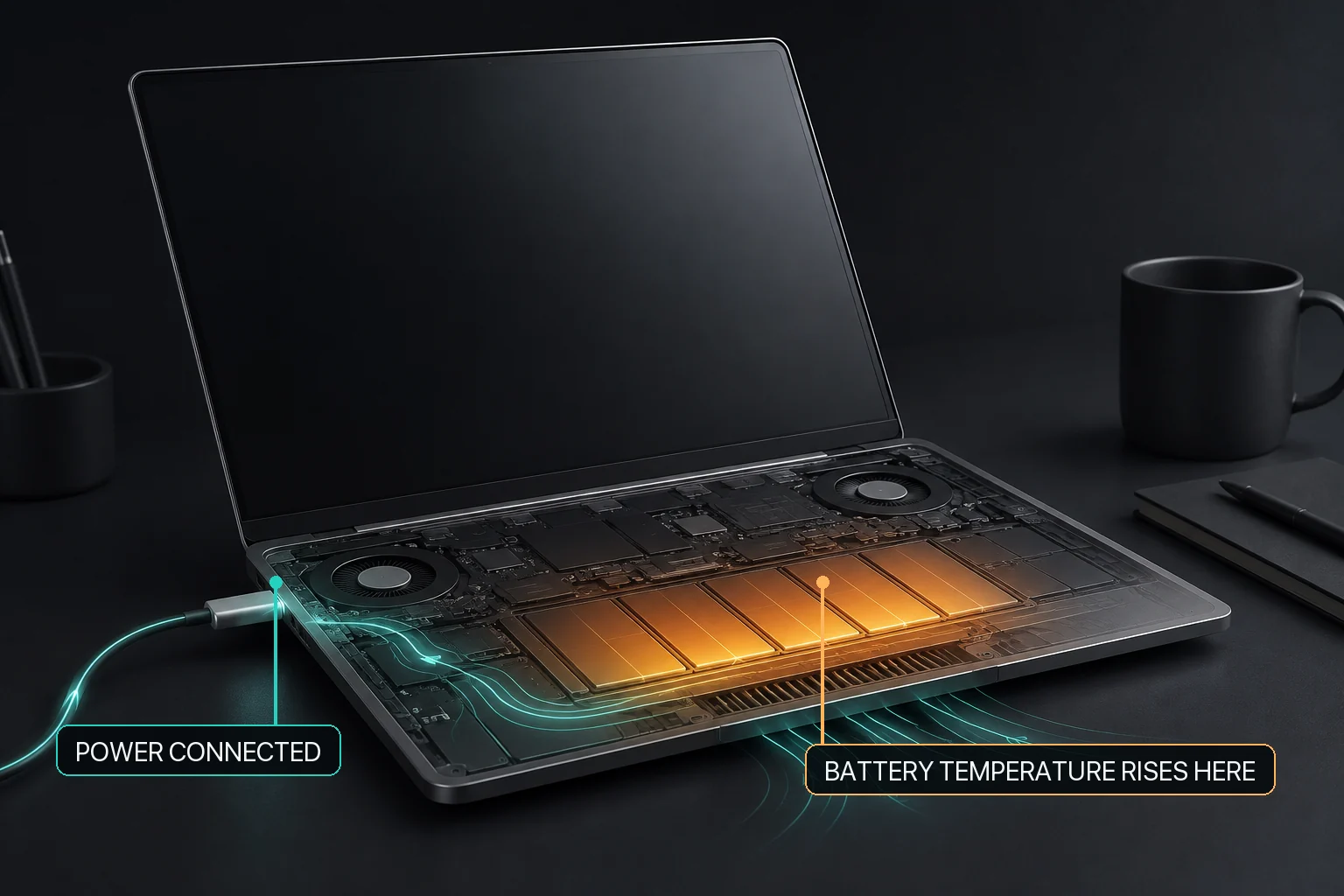
A MacBook could remain connected to power during a demanding workload. The battery could become warm, while the charging policy and fan policy continued to operate as two unrelated decisions. A battery app could pause charging, but it could not ask the fan system to respond. A fan app could increase airflow, but it did not know that battery temperature was the reason.
The individual controls were not necessarily wrong. The missing part was coordination.
That became the idea behind Heat Protection in MacBaram.
When Heat Protection detects a high battery-temperature condition, it can pause charging. On a supported Mac with controllable fans, it can also coordinate a fan response using that same battery-temperature condition. As the Mac cools, MacBaram returns to the fan behavior selected by the user or toward macOS automatic fan control, depending on the active policy. Fanless Macs remain fanless.
MacBaram does not invent fan control where the hardware has no fan. The charging response and the available controls always depend on the supported Mac, macOS, and current operating conditions.
This does not promise that a battery will never age, become damaged, or need service. It also does not promise one fixed temperature improvement. Heat Protection makes a smaller and more useful commitment: charging and available cooling should not ignore the same battery-temperature condition.
That is one reason we did not want MacBaram to become a folder full of unrelated switches.
Fan, battery, power, display, and sleep controls affect the same long-running Mac session. When they remain separate, the user has to watch every condition and coordinate every response manually. When they share the same operating context, the system can step in and step back more coherently.
Heat Protection is therefore more than a battery feature or a fan feature. It represents the reason MacBaram brings these controls together.
The goal is not to take control away from macOS or the user. The goal is to make supported controls respond to the same condition, show what happened, and return predictably when the condition changes.
That is what we mean when we say that MacBaram is one operating system for fan, battery, and sleep control on a Mac.
The individual controls were not necessarily wrong. The missing part was coordination.
When Heat Protection detects a high battery-temperature condition, it can pause charging. On a supported Mac with controllable fans, it can also coordinate a fan response using that same battery-temperature condition.
No. Fanless Macs remain fanless. MacBaram does not invent fan control where the hardware has no fan.
No. It does not promise that a battery will never age, become damaged, or need service, and it does not promise one fixed temperature improvement.