Can Ollama keep running after the Mac display turns off?
Yes, if the system remains awake and Ollama continues normally. Prevent system sleep while allowing display sleep.
 MacBaram
Keep the system awake, allow the display to sleep, and treat model execution, memory, storage, power, and recovery as separate responsibilities.
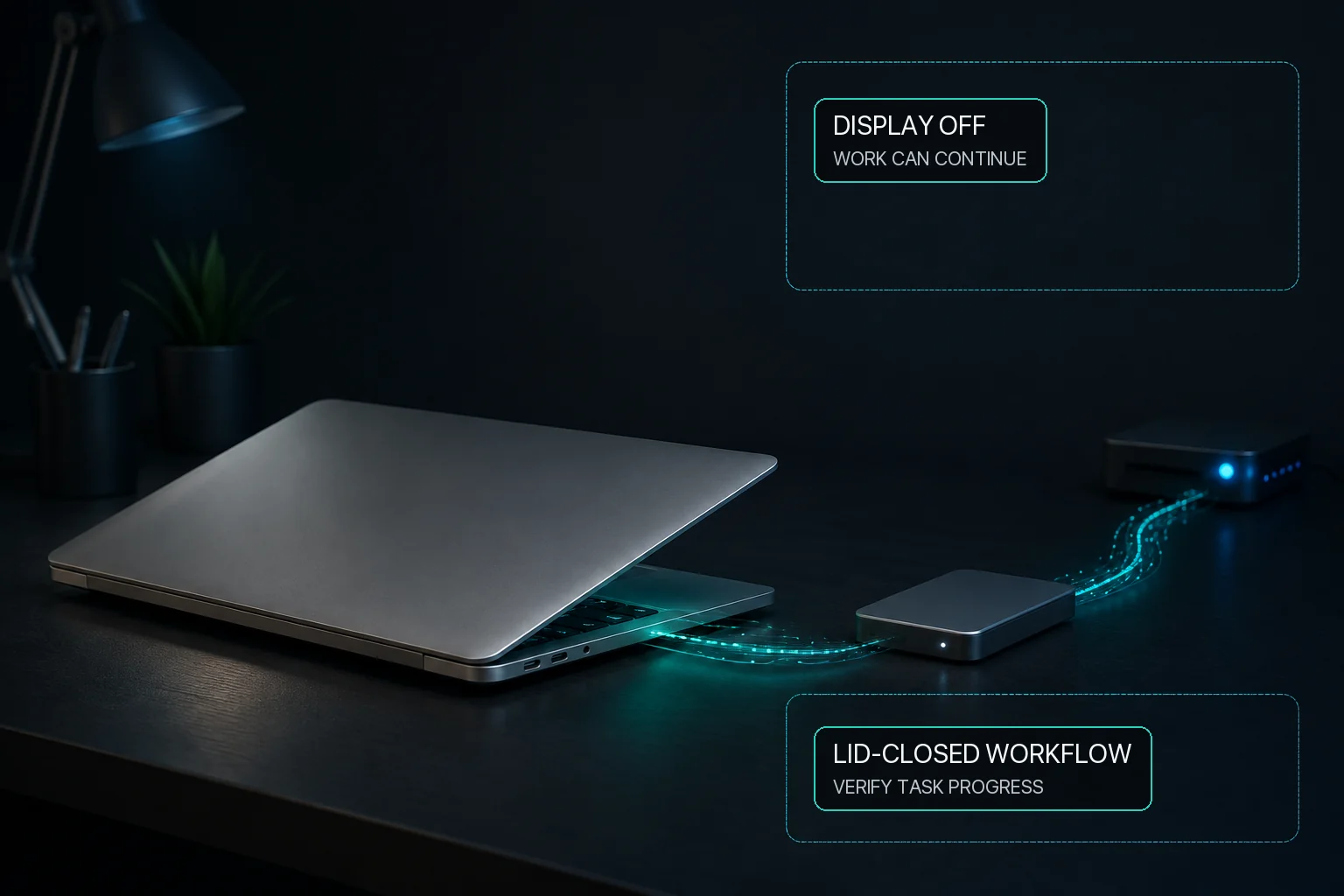
Ollama can continue local inference while the Mac display sleeps when the system stays awake and Ollama itself remains healthy. MacBaram lets the user prevent system sleep separately from display sleep, so the screen can rest while the job continues. Where Virtual Clamshell is available, MacBaram can also keep an Ollama workload running with the lid closed and no external monitor. Test an actual inference request before relying on it. MacBaram does not optimize the model, guarantee throughput or completion, or recover a failed inference process.
Ordinary idle-sleep prevention and closing the lid are different situations. Where Virtual Clamshell is available, MacBaram can keep an Ollama workload running with the lid closed and no external monitor. Test an actual inference request before relying on it.
The same Mac sleep distinction may be relevant to these workloads, but each application owns its model state, queue, checkpoints, network needs, and errors. Their names are workload examples, not MacBaram integrations or automatic presets.
Yes, if the system remains awake and Ollama continues normally. Prevent system sleep while allowing display sleep.
System-sleep prevention can remove idle sleep as one interruption cause. Memory pressure, storage, power, application errors, and any network dependencies can still stop the job.
Where Virtual Clamshell is available, MacBaram can keep an Ollama workload running with the lid closed and no external monitor. Test the actual inference request before relying on it.
No. MacBaram does not directly integrate with Ollama, monitor model completion, or restart inference. Use Ollama's own logs and recovery method.
Confirm that the expected output was saved, stop Ollama or its queue as intended, release sleep and Virtual Clamshell controls, and verify normal macOS sleep behavior. Return any supported fan or charging choices to the intended routine. These restore paths cover MacBaram controls, not model state or lost output.