Can a large download continue while the Mac display is off?
Yes, if the system remains awake and the download application, server, network, and storage remain available. The display does not need to remain illuminated just to prevent system sleep.
 MacBaram
Prevent system sleep for the transfer, allow display sleep, and verify the application, server, network, storage, power, and final data separately.
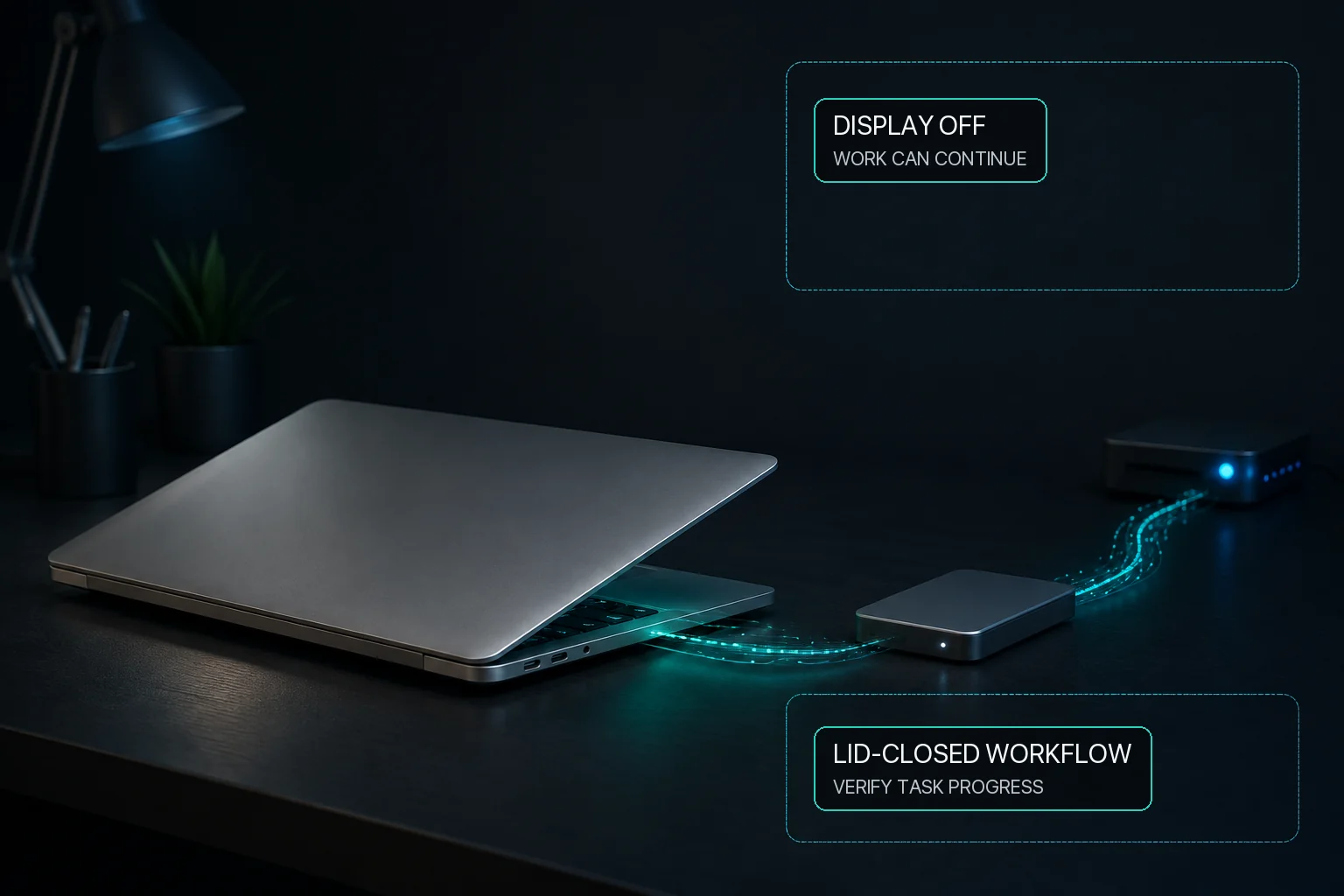
A download, upload, backup, or NAS copy can continue while the Mac display sleeps if user-idle system sleep is prevented and every transfer dependency remains healthy. MacBaram separates system-sleep prevention from display-sleep prevention, so the screen does not need to stay on merely to keep the system awake. This addresses sleep as one interruption cause; it does not guarantee the server, network, VPN, storage, transfer application, checksum, or power.
Staying awake is not data-integrity verification. MacBaram does not inspect, retry, checksum, or repair a transfer.
Ordinary idle-sleep prevention and closing the lid are different situations. Where Virtual Clamshell is available, MacBaram can keep a lid-closed transfer running without an external monitor. Test the transfer before relying on it. The NAS, network, copy process, and final files remain independent.
Yes, if the system remains awake and the download application, server, network, and storage remain available. The display does not need to remain illuminated just to prevent system sleep.
System sleep is one possible cause. Also check Wi-Fi or Ethernet, VPN, server expiry, application errors, free storage, mounted volumes, and power.
The Mac can be kept awake while the display sleeps. NAS availability, network stability, permissions, and the copy process still determine success and data integrity.
Where Virtual Clamshell is available, MacBaram can keep a lid-closed transfer running without an external monitor. Test the transfer before relying on it; MacBaram does not retry, verify, or repair copied data.
Disable the selected sleep control and Virtual Clamshell after the transfer, then manually confirm that normal macOS sleep behavior returns. This does not recover an interrupted operating-system, network, or storage operation.