Why does a keep-awake session need an ending?
Because a temporary sleep-prevention decision should be released when its purpose ends or a supported safety condition requires macOS power management to take over again.
 MacBaram
Long-running work needs a deliberate start, a visible exit, and a verifiable return toward ordinary macOS behavior.
When people prepare a Mac for a long render, build, backup, download, or local AI session, the first question is usually how to keep the work running. That naturally leads to keep-awake settings, fan choices, charging policies, and display controls.
The less obvious question is what should happen when that temporary operating session ends.
Apple's Foundation documentation describes beginActivity as returning a token that represents an activity. The same documentation directs developers to pass that token to endActivity when the activity is complete.
Apple documents a temporary activity as a lifecycle: beginActivity returns an activity token, and the activity ends when that token is passed to endActivity. Apple also separates idle system sleep from display behavior and warns that delaying or preventing sleep may increase power consumption. MacBaram applies the related operating principle to supported controls: a keep-awake session can preserve system work while allowing display sleep, but the intervention should be released when the user ends it or a supported low-battery condition requires a verified return toward ordinary macOS behavior.
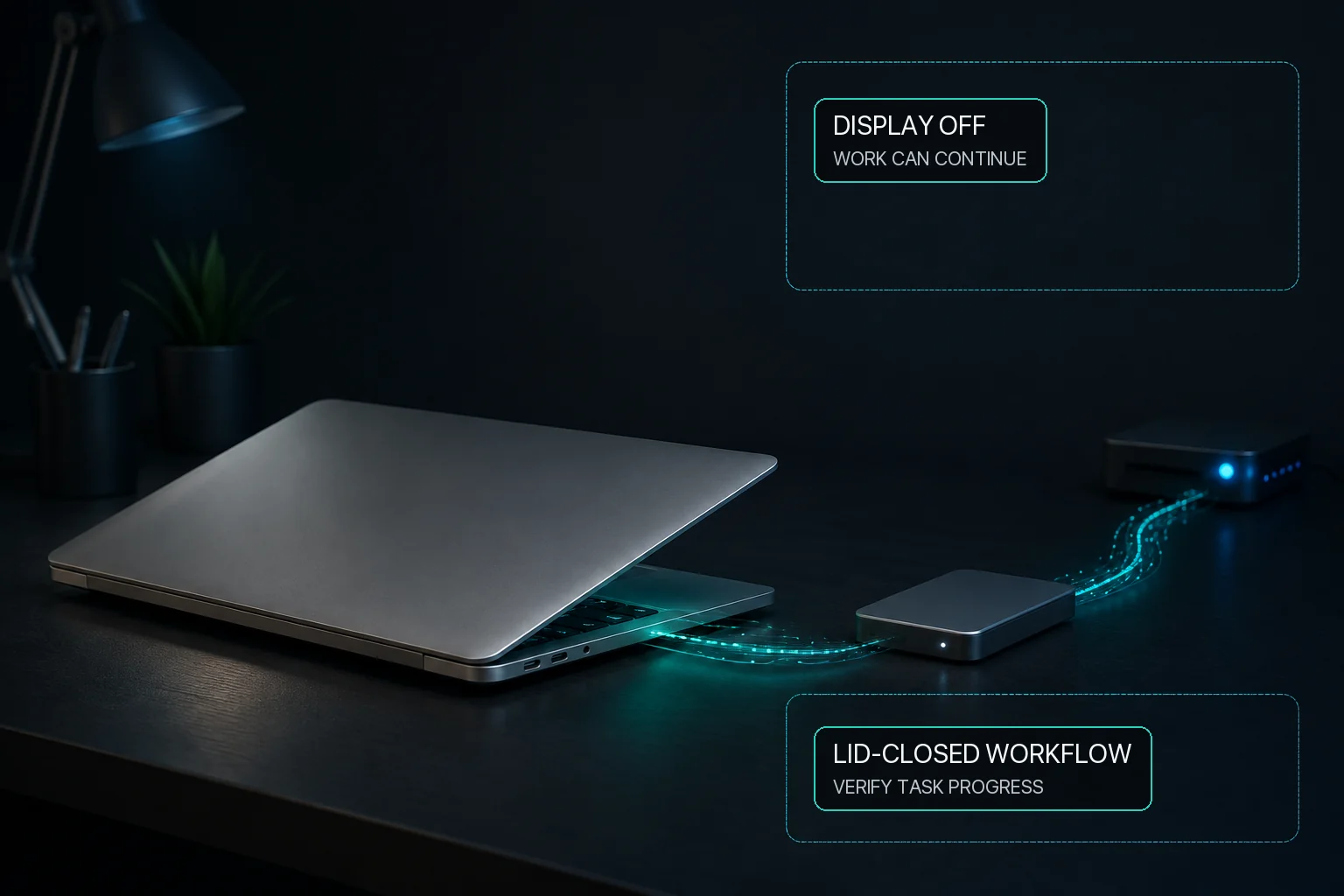
A long export may need the Mac to remain awake while the display is allowed to turn off. Keeping the system active does not require keeping the screen illuminated, and turning off the display does not prove that the workload is still healthy.
Use the workload's own progress signal to confirm continuity. A running fan, warm enclosure, or dark display is not proof that a render, build, transfer, or local AI job is advancing.
When the user ends the operating session, the temporary sleep assertion should be released. If external power disappears and the user-selected low-battery boundary is reached first, the system should stop insisting that the Mac remain awake and allow macOS power management to take over again.
This is a lifecycle rule, not a promise that every workload will finish. Application errors, memory pressure, storage, network dependencies, and power loss remain separate risks.
MacBaram separates system-sleep prevention from display-sleep prevention. On supported MacBooks, Stay Awake and Virtual Clamshell also share a user-selected low-battery boundary. After external power is lost and that boundary is reached, MacBaram can stop those interventions and return supported fan, charging, and sleep controls toward macOS defaults.
Sending or accepting a restore command is not enough to call the return complete. For the guarded return triggered when product access becomes restricted, MacBaram keeps the affected selected control unavailable until the required state readback is obtained and may retry a supported return. Low Battery Protection uses a separate protective return flow. This does not mean that every manual or automatic ending path retries until it is verified.
MacBaram does not detect the completion of every workload and does not guarantee uninterrupted completion. Its responsibility is narrower: make the intervention visible, preserve the user's intent where supported, and provide a verifiable route out of temporary control.
For long-running Mac work, starting safely matters. Ending cleanly matters just as much.
Because a temporary sleep-prevention decision should be released when its purpose ends or a supported safety condition requires macOS power management to take over again.
Yes. macOS treats display sleep and idle system sleep as separate decisions, so a workflow can allow the display to turn off while the system remains awake.
No. Application errors, memory, storage, network, and power remain separate from the sleep-control lifecycle.
After external power is lost and the configured battery boundary is reached, MacBaram can stop Stay Awake and Virtual Clamshell and return supported fan, charging, and sleep controls toward macOS defaults.